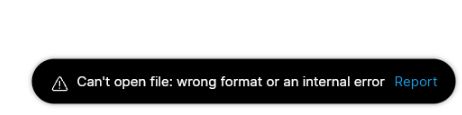
This file is stored locally, and I haven’t uploaded it to the cloud. I’ve been working on this file for about a month, and it had been working fine up until now .
Please fix this issue; this file is very important to me .
I have managed to edit, save, and then reopen the file that you shared. Could you forward me the actual project file with this issue in the DMs, please?
This issue is eliminated in the latest beta. Please upgrade and check if everything is working fine on your end.
Keep in mind that the opened project might look empty because of the saved canvas position. When the file is opened, the Progress page is selected, but its saved viewport center is far away from the content: the elements are located roughly at x=966–1541, y=511–809, while the canvas is showing a different area. So it may appear as though the file didn’t open properly. You can fix this by activating the Fit Canvas feature.
I’ve updated to the latest beta version (15.0.0.20625) and tried to open the corrupted file (which I’ve attached to Google Drive), but it still won’t open. Take a look at this video:
 .
. .
.