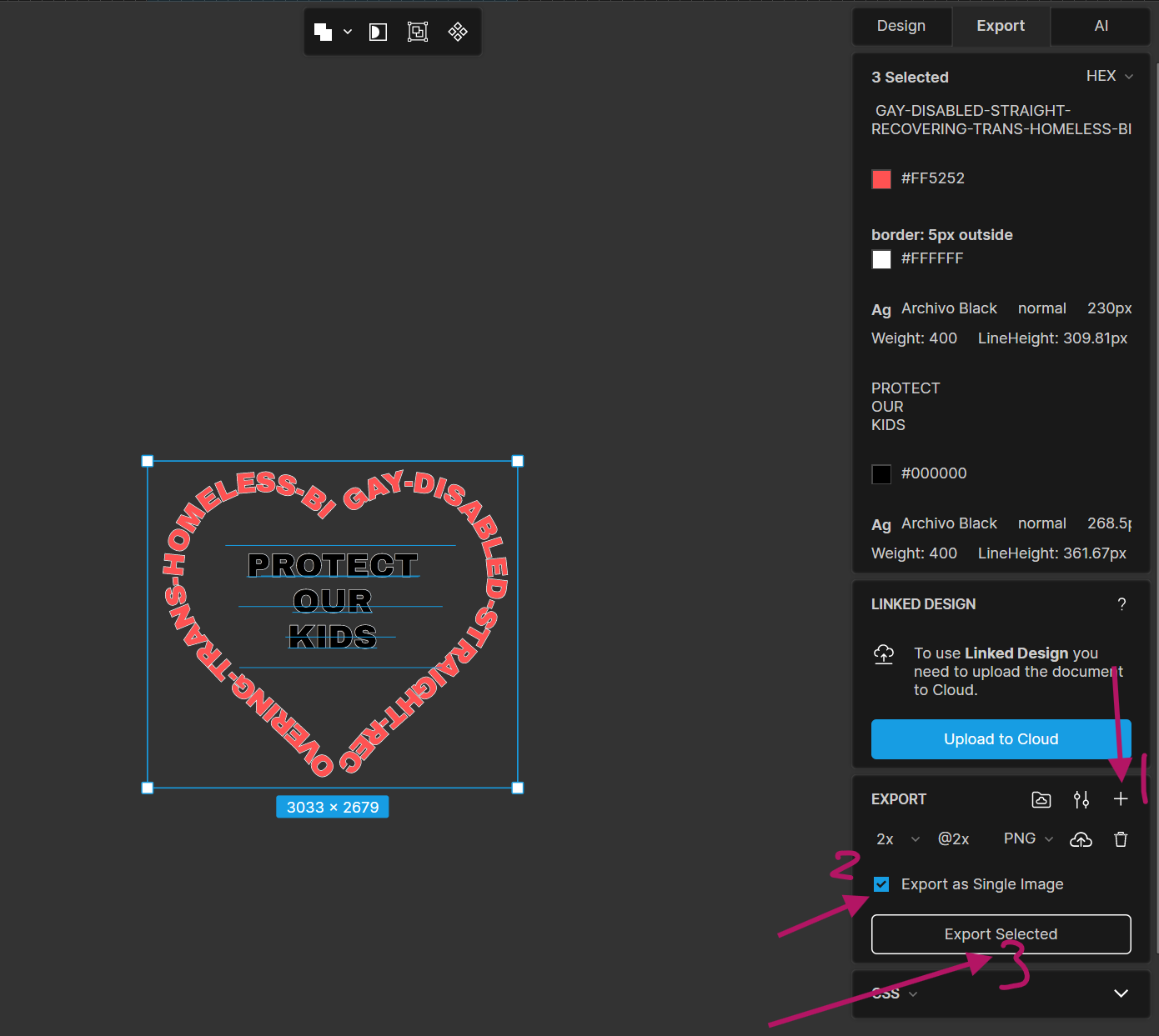
When using text on path I created a heart shaped path and have my text lined up with the shape. The problem is that dead space is surrounding the graphic and all sides
Copied the Lunacy file and the graphic with the dead space called out to my Google Drive
It looks like you are using the Save As feature to create a PNG image. This can sometimes add extra blank space, which we are going to address.
In the meantime, we recommend using the Export feature, which provides more options and avoids adding any extra space. Select all the layers you want to save, then go to the Export menu in the right sidebar. You can export each layer as a separate file or the entire selected group as a single file.