I’m experiencing an issue with SVG export in Lunacy where masks are not rendered correctly after exporting the design as SVG.
In my project, I use a mask to clip a group of wave shapes. The mask works correctly in Lunacy and when exporting the design as PNG. However, when I export the same design as SVG, the mask is ignored or rendered incorrectly in browsers such as Brave.
Interestingly, importing the exported SVG back into Lunacy displays the mask correctly, but exporting it again reproduces the issue.
I also tested the SVG by explicitly setting maskUnits="userSpaceOnUse" and maskContentUnits="userSpaceOnUse". This corrected the rendering in Brave, but the mask issue returned after importing the file into Lunacy and exporting it again.
Steps to Reproduce
-
Create a design in Lunacy using a mask applied to a group of wave shapes.
-
Export the design as PNG and verify that the mask renders correctly.
-
Export the same design as SVG.
-
Open the exported SVG in Brave and observe that the mask is not rendered correctly.
-
Import the exported SVG back into Lunacy. The mask appears correctly.
-
Export the imported SVG from Lunacy again and observe that the problem persists.
Expected Behavior
The SVG export should preserve the mask definition, coordinate system, transformations, and clipping behavior so that the exported artwork renders consistently in Lunacy and standards-compliant SVG viewers.
Actual Behavior
The mask works in Lunacy and PNG exports, but fails in Brave after SVG export. Re-importing the SVG into Lunacy does not resolve the issue, and exporting it again reproduces the problem.
Additional Information
-
Application: Lunacy
-
Export format: SVG
-
PNG export: Works correctly
-
SVG rendering in Brave: Mask fails
-
SVG re-import in Lunacy: Mask appears correctly
-
Re-export from Lunacy: Issue persists
-
Test performed: Explicitly setting
maskUnitsandmaskContentUnitstouserSpaceOnUsefixes browser rendering until the file is re-exported from Lunacy.
Could the Lunacy team investigate whether SVG export is incorrectly handling mask coordinate systems or transformations?
Thank you!
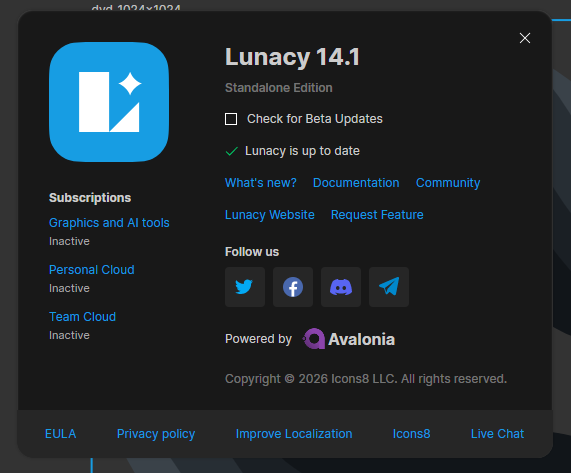
 Check for Beta Updates. Let me know if you’re still experiencing this issue with SVGs after updating.