Lunacy version: Lunacy 14.1
OS version: MacOS 26.4.1 Tahoe
Hello Lunacy Team! First wanted to say thank you so much for this program. I turned here because I NEEDED an offline usable Figma replacement. Moved to lunacy about 2-3 years ago and haven’t looked back. Has all my needs to quickly sketch layouts and use variables.
I have some friction points that I want to voice here. I didn’t want to make too many posts at once so I m going to list all my things here, please let me know if I should make these official separate requests 
Feature Requests:
-
It would be really cool if hitting CMD + click cycles thru elevation of layers. so say I want to select a background that is behind 5 layers I should be able to reach that by holding CMD and tapping and each tap selects the object behind it . That would help out a lot. A lot of times I’m forced to hover over the layers on the layer panel to find the one i want to move.
-
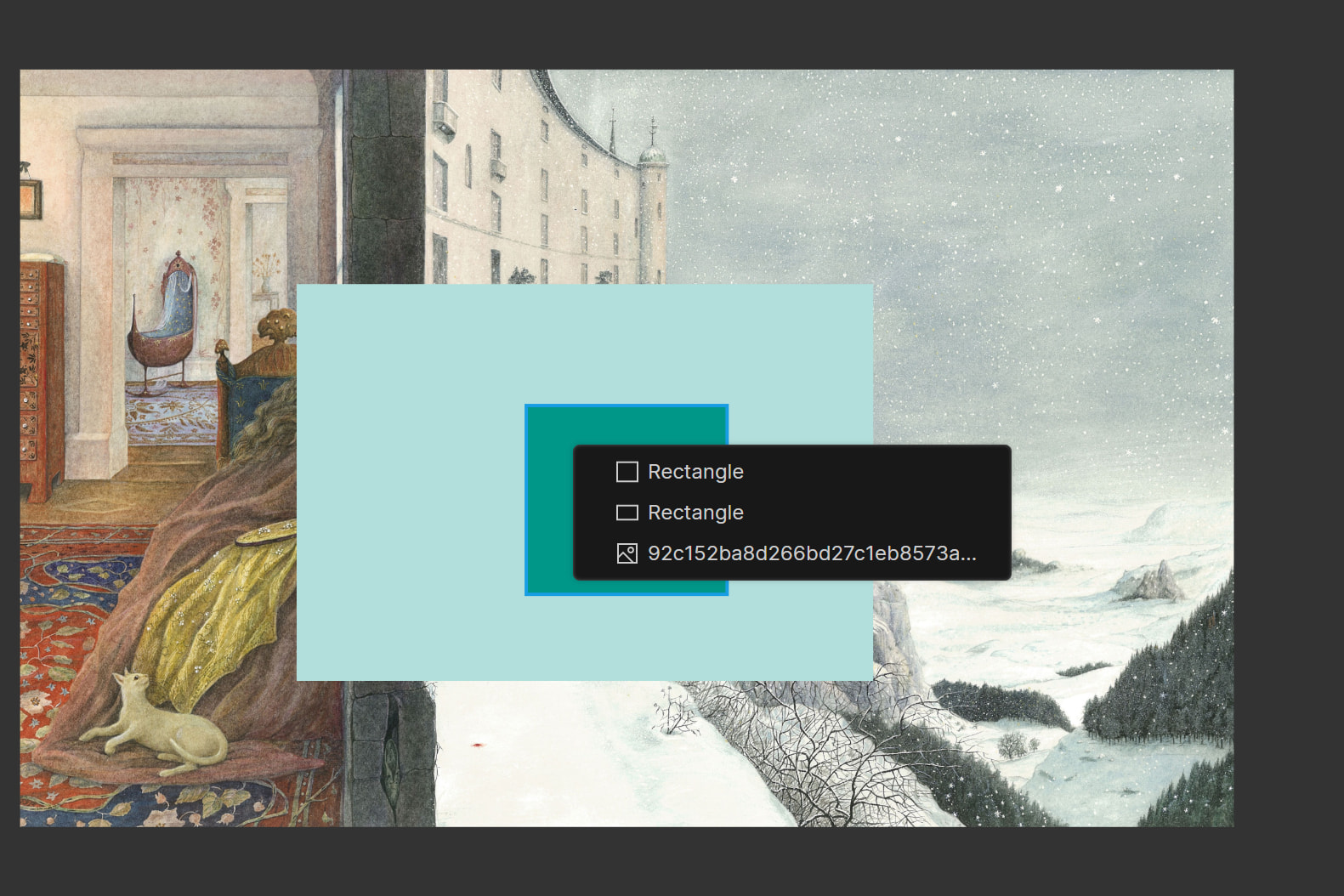
if i have a png with transparent areas on it, lets say a donut shape, if I tap on a spot that is transparent the object wont get selected. It seems like i can drag from the transparent spot to select the object but if there’s layers behind it just gets a bit complicated. This would be remedied by the CMD+click thing I mentioned
-
It is incredibly hard to grab thin objects like a horizontal line or a skinny horizontal box. it seems like the mouse/app keeps thinking i want to drag a edge and theres no spot at all where it simply lets me select the object. i think there should always be at least a pixel of vertical position where i can grab the object. its impossible for me to grab unless i zoom in a lot and even then for a line its hard to grab just that small little line. i think for lines i should be able to tap on anywhere the line is visible. Meaning when the line is thicker i should be able to grab the line touching the thick part. Not have to painstakingly try and tap on the thin line.
-
If I have 3 objects in a group: a thick rounded line, and two text boxes. The thick line is the object thats the highest vertically on the screen. So I select the group by tapping once on the group and it is impossible for me to try and double click to select the rounded line because the line sits exactly where the top edge of the group is and clicking always tries to grab that edge instead of the line. Double clicking doesn’t do it. Im wondering if its better for the group lines that appears when you tap should be big enough to include the thickness of the line not just the pure line. or another solution is allowing double click to select things behind what is currently selected similar to cmd click or just outright do cmd click here.\
Nice to have but not necessary:
- If there was a option or default behavior where if you pull text/textbox from a corner (not a side) it resizes the text as its resizing the text box like it does on Canva. I understand even Figma doesn’t do this but one can wish. I just know its really cool seeing the size of text number move as you make the text box bigger or smaller. this would result in fonts sometimes being in decimals. Just noting how it was handled on Canva
Bugs
-
when i try and drag up or down to change the size of font or shape size on the design panel if i reach the top of my screen my mouse pops in at the bottom of the screen like it teleported and I’m not able to go back how I came in so since i cant teleport back i cant drag the opposite way to get back to where i was. This is further complicated by at times I’ll try to drag up or down to adjust some numbers on the design panel and the number change speeds up to a chaotic amount when i get near the top or bottom edge of screen. When this happens my mind would want to drag back to get back to get to the spot i was but it moved so fast that dragging back barely makes a nudge back so its constantly making me feel stuck and I resort to just adjusting the number manually or being super careful dragging up or down
-
Undoing and redoing would result in objects being in a totally different position. Very strange and very disorienting if my undo’s are not where they were. I thought maybe it was a visual glitch but when i returned to it after app restart the object was still in a position I never put it in. Not sure what it was basing the position off of too but it was about an inch of my screen away from where it was.
-
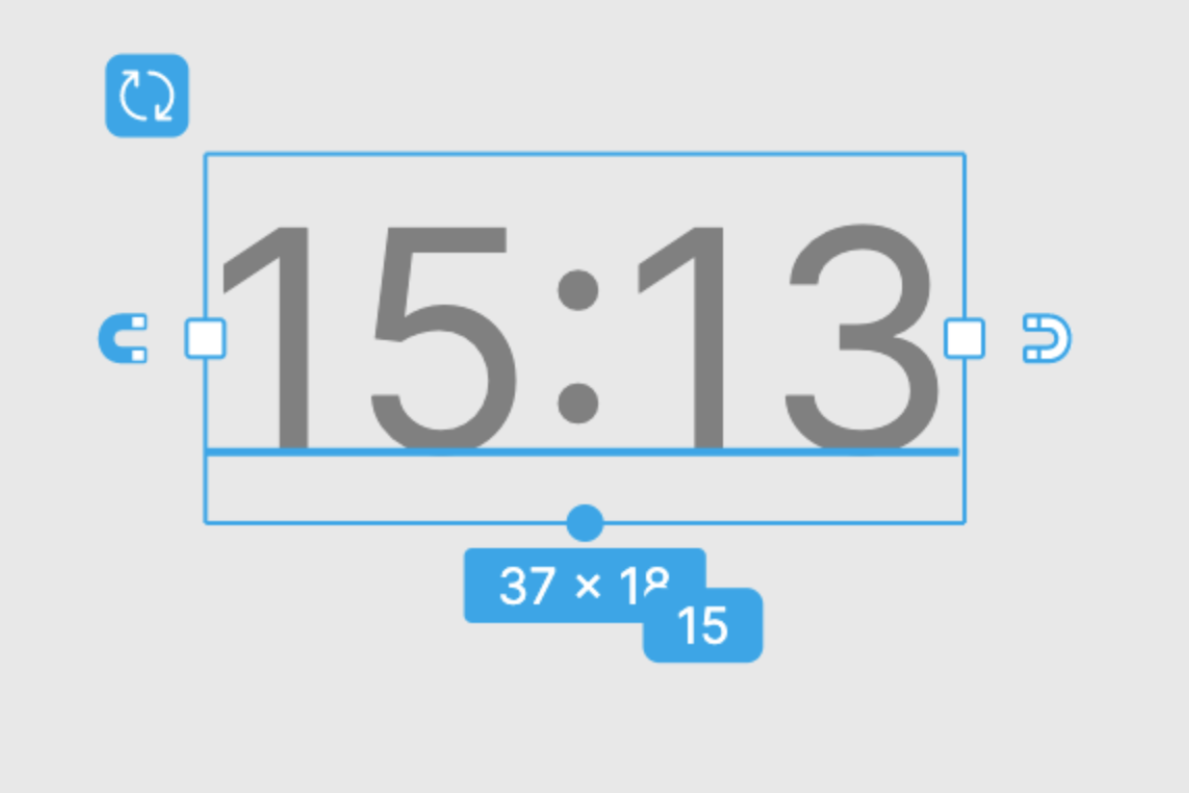
When I hold shift and drag objects like a line with rounded caps I expect since I’m holding shift me moving the object will be perfectly horizontal or vertical but it does neither. Some objects do move horizontally but this object wasn’t, maybe it was at a higher layer elevation than everything else and didn’t have anything to magnetize to but i don’t think that was the issue. Even then i feel I should be able to move horizontally perfectly with holding shift even if there’s no objects nearby